
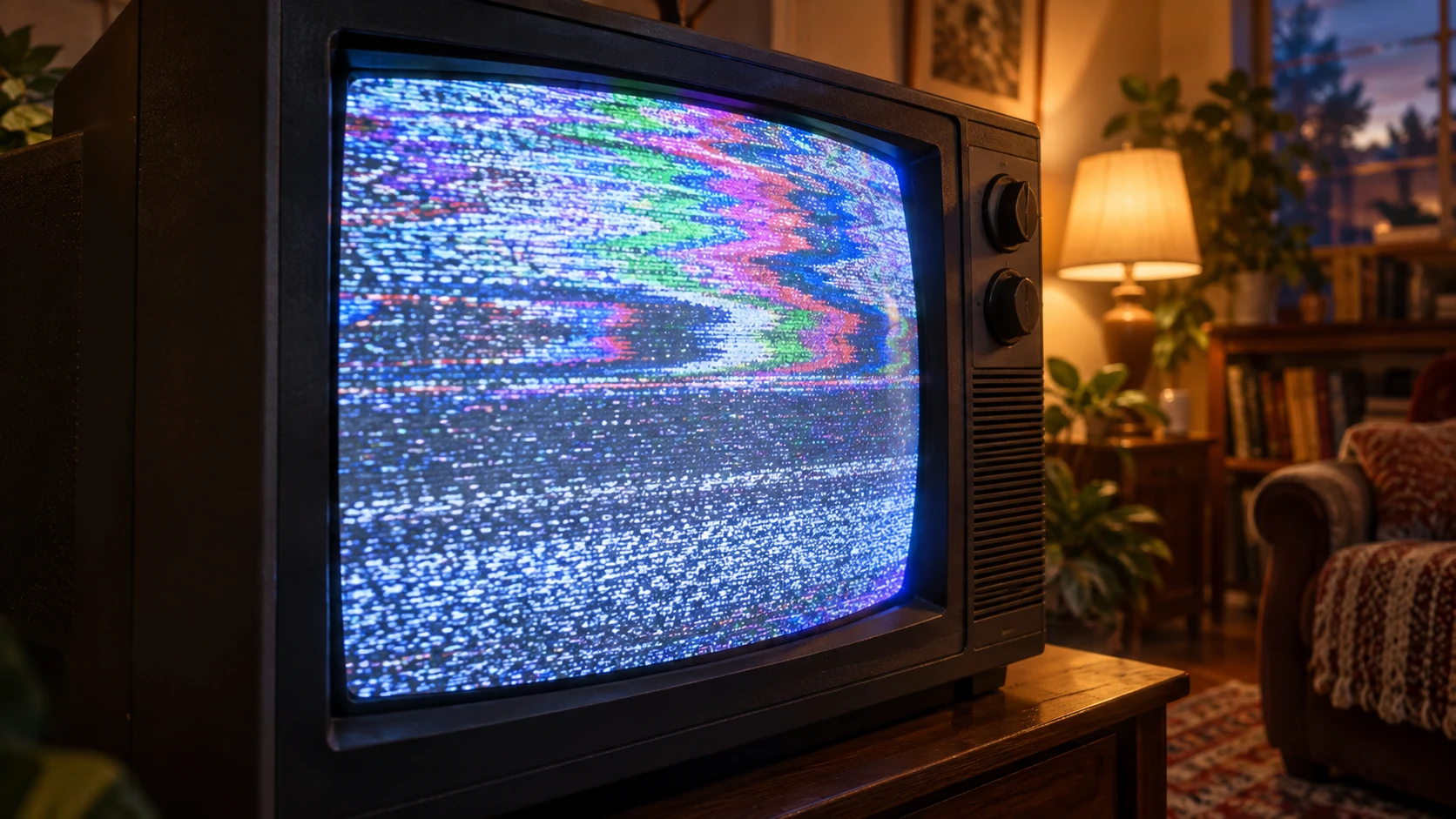
There was a particular kind of evening where you turned on the television, landed halfway through something, and stayed. No trailer analysis. No ratings committee. No twenty-minute negotiation over a thumbnail. Channel surfing was imperfect, but it let discovery happen before commitment. The goal here is to recover that feeling without pretending we miss every part of the package.
01 / 07Start with Grazers’ topic dial
Grazers puts free YouTube stations behind channel up/down controls. Change stations to change the subject, or skip a video to stay with the same interest. Its 90s mode adds the familiar television feel. Your station mix is personal, so sharing a station does not mean everyone joins the same synchronized broadcast.
Try five stations, then stay with one video that earns your attention.
02 / 07Use a live channel guide
The Roku Channel offers free streaming channels alongside on-demand choices. A guide gives you a different starting question: “What’s already on?” That can be useful when the hardest part of television is choosing the premise of your own evening.
Browse the live guide before opening a recommendation grid.
03 / 07Look for a local public-TV stream
A local PBS livestream restores an actual schedule, subject to your location and supported device. Scheduled programming can give your evening a shape without requiring you to invent one. Check the station’s own guide rather than assuming every PBS station has the same lineup.
Pick one scheduled program and arrive when it starts.
04 / 07Give the first few minutes a chance
Try a small personal rule: sample up to three things, then choose one. It is not a scientific threshold; it is a way to keep the search from becoming the activity. You are allowed to leave a boring video. You are also allowed to let a story establish itself before judging its entire existence.
Use a five-minute browsing budget, not an unlimited audition.
05 / 07Recreate a theme night
Make Tuesday the night for travel, making things or an old film. A theme narrows the dial while leaving room for surprise. It also turns a huge catalog into a small ritual, which is much closer to the part of television people tend to remember fondly.
Pick a broad theme and leave the exact selection open.
06 / 07Pass the remote
Ask someone else to choose a station or a film. Take turns, with a veto for things either person genuinely does not want to watch. Shared discovery works better when it is an invitation rather than homework, so keep the explanation shorter than the opening credits.
Send a station link and ask for one unexpected recommendation back.
07 / 07Keep an end to the evening
Old television had its own endlessness. You do not need to recreate that. Decide whether tonight is one episode, one film or one half-hour block. If you use YouTube directly, its Autoplay setting lets you stop the automatic next-video chain. Grazers keeps surfing going, so use your own timer there.
Choose a stopping point before choosing a station.
A small channel-surfing session
| Comparison | minutes |
|---|---|
| Browse | 5 |
| Watch | 25 |
| Step away | 5 |
Give the evening a shape
Set a total session and a browsing allowance. This is a planning aid, not a timer; set a separate reminder if you want one.
40 minutes left to watch
Total time minus browsing time. Decide what you will do afterward. Entries are not saved, and this tool does not stop video playback.
Try one change tonight
Keep the pleasant accident. Leave the rental box, mystery fees and four-hour argument about what counts as a premium channel in the past.
Sources & useful links
Provider pages explain their own services. Research findings are identified by study; our planning examples and recommendations are editorial suggestions. Availability and service terms can change.